Finances
Finances in ChatGPT is available to U.S. Plus and Pro users.
Get started
Subscriptions overview
What subscriptions and recurring charges am I currently paying for?
Reduce Spending
Where could I reduce spending, subscriptions, or fees this year?
Portfolio update
Give me an update on my portfolio and net worth.
Securely connect your accounts in ChatGPT
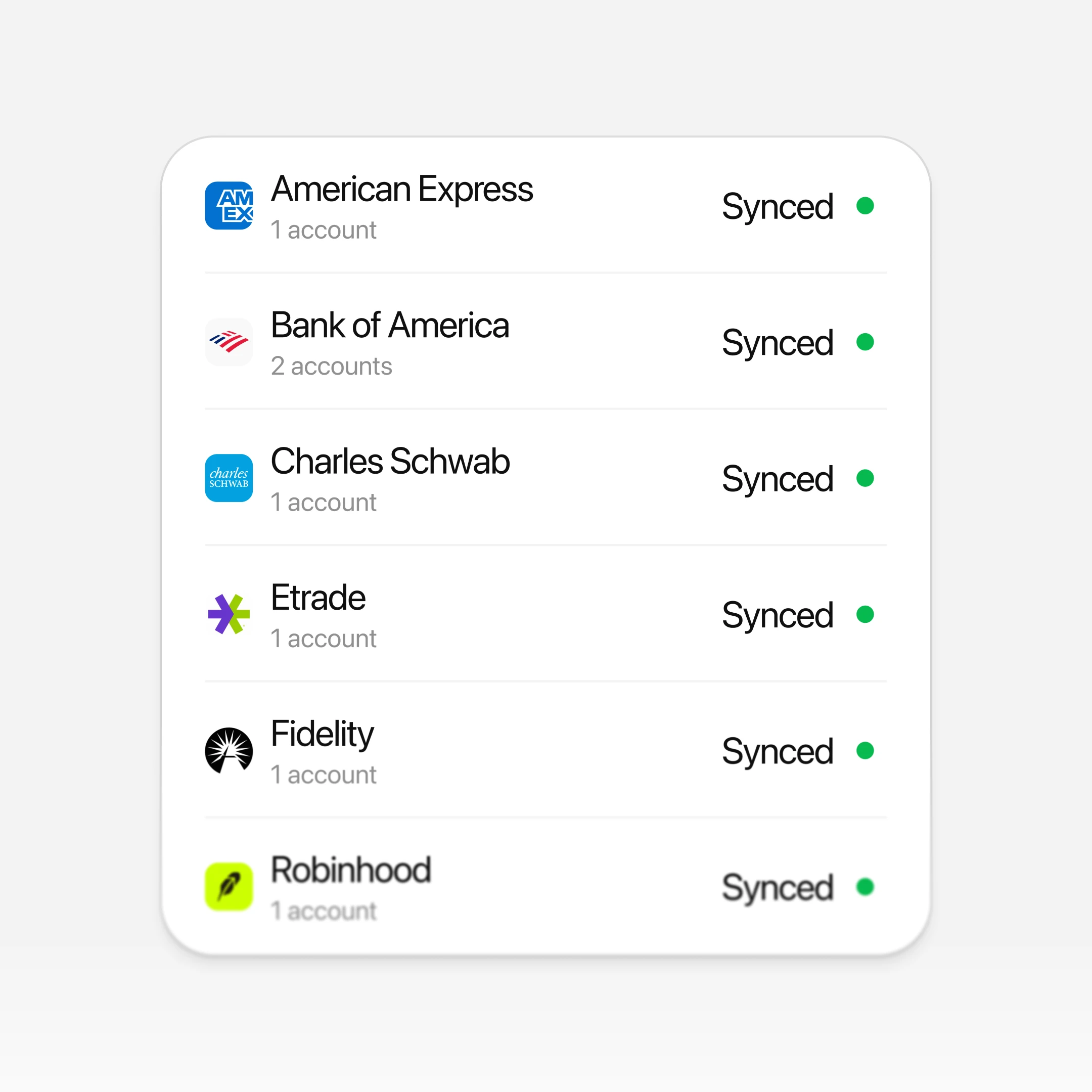
Securely connect your accounts to see the full picture of your money—spending, investments, and more. Once connected, you can ask questions and get guidance tailored to your goals, lifestyle, and priorities.
Understand where your money is going
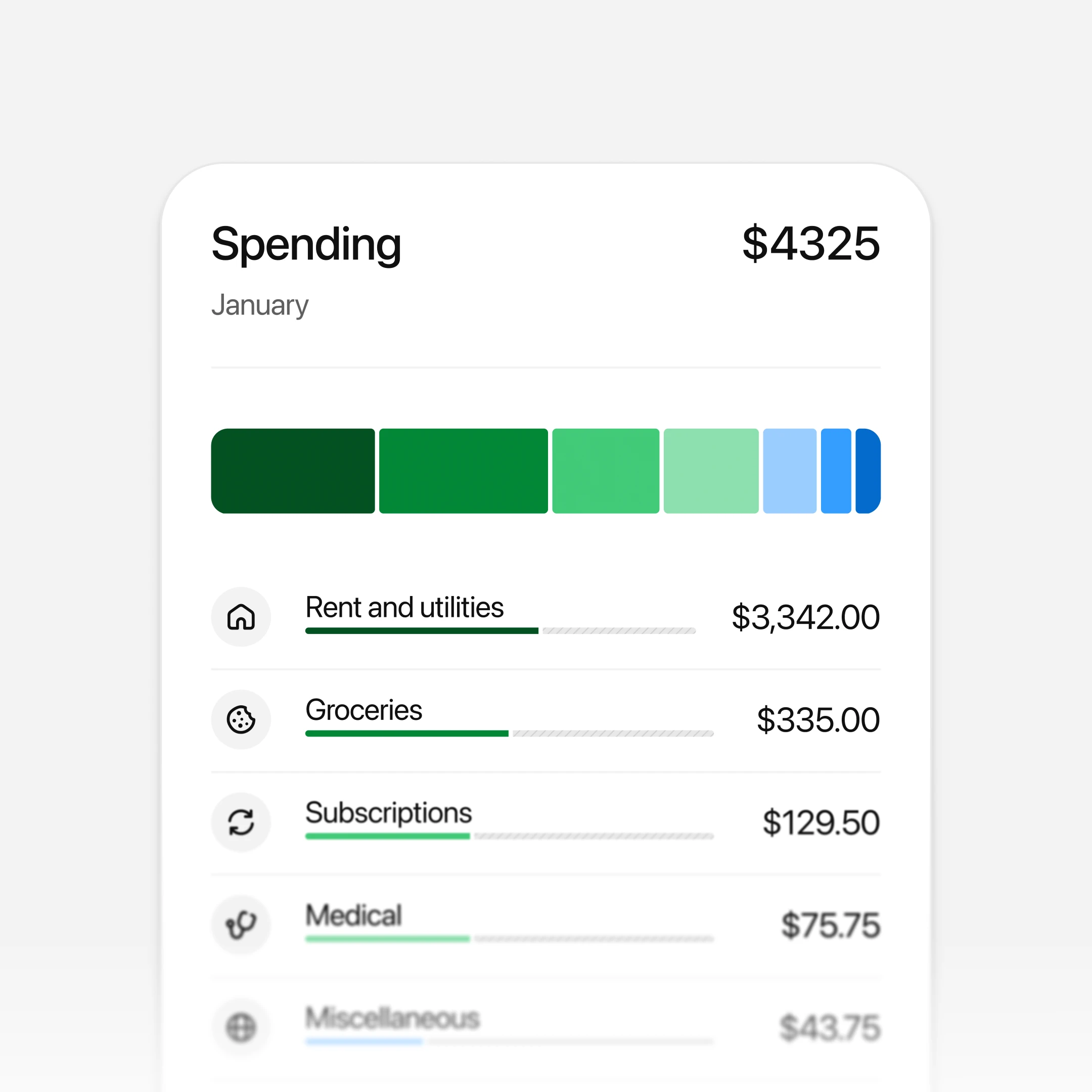
Your Finances dashboard lets you see your spending in real time and ask questions about what’s changed, what stands out, and where you might want to adjust. ChatGPT helps you spot patterns and find opportunities to save, without sorting through the numbers yourself.
Plan with your full financial context
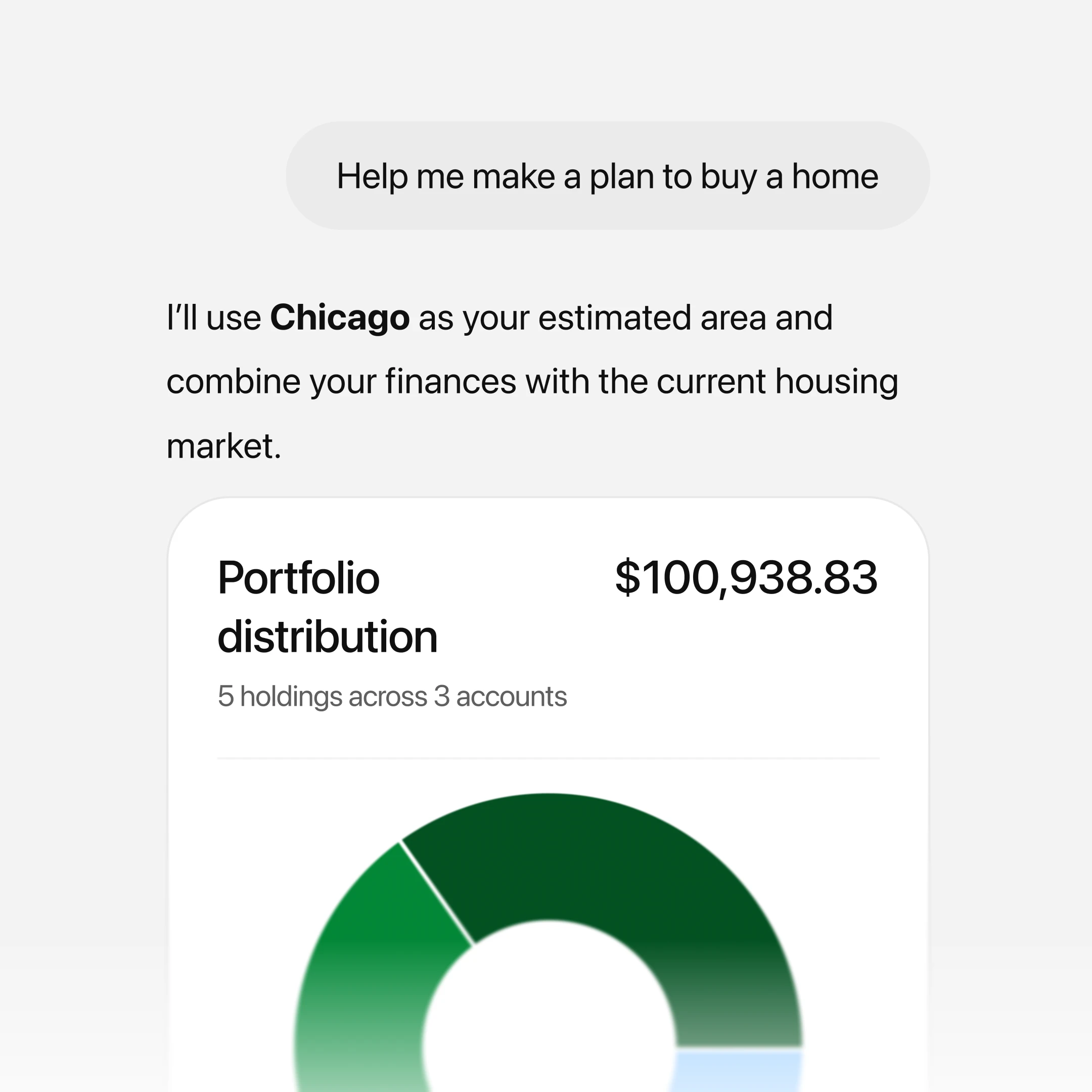
Get personalized guidance based on your actual finances and what matters to you. From everyday decisions to long-term goals, ChatGPT helps you think through tradeoffs and plan your next steps with clarity.
Frequently asked questions
ChatGPT connects to your financial accounts through Plaid, which supports over 12,000 financial institutions. When you connect an account, ChatGPT can securely access balance, transaction, and investment data to help you understand your finances.
ChatGPT cannot see full account numbers or make any changes to your accounts. You’re always in control—you can disconnect your accounts at any time from Settings or the Finances home page.
ChatGPT is not a replacement for professional financial advice.