Switch to Codex
Import your setup to Codex to keep working with fewer interruptions.
1
Download the Codex app. Install Codex and sign in with your ChatGPT account.
2
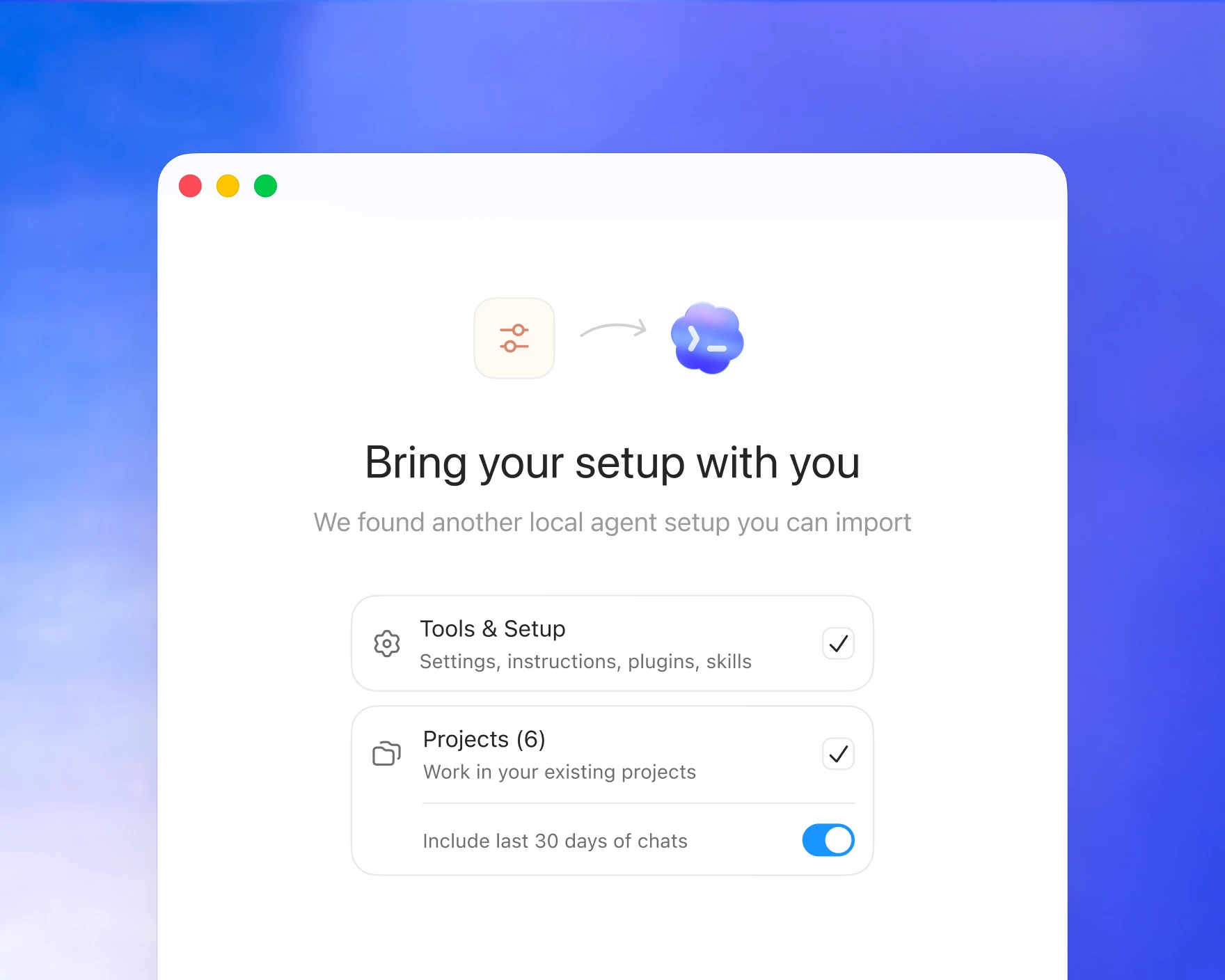
Migrate your setup. Complete the agent import flow in onboarding, or go to Settings → General and press “Import agent setup."
3
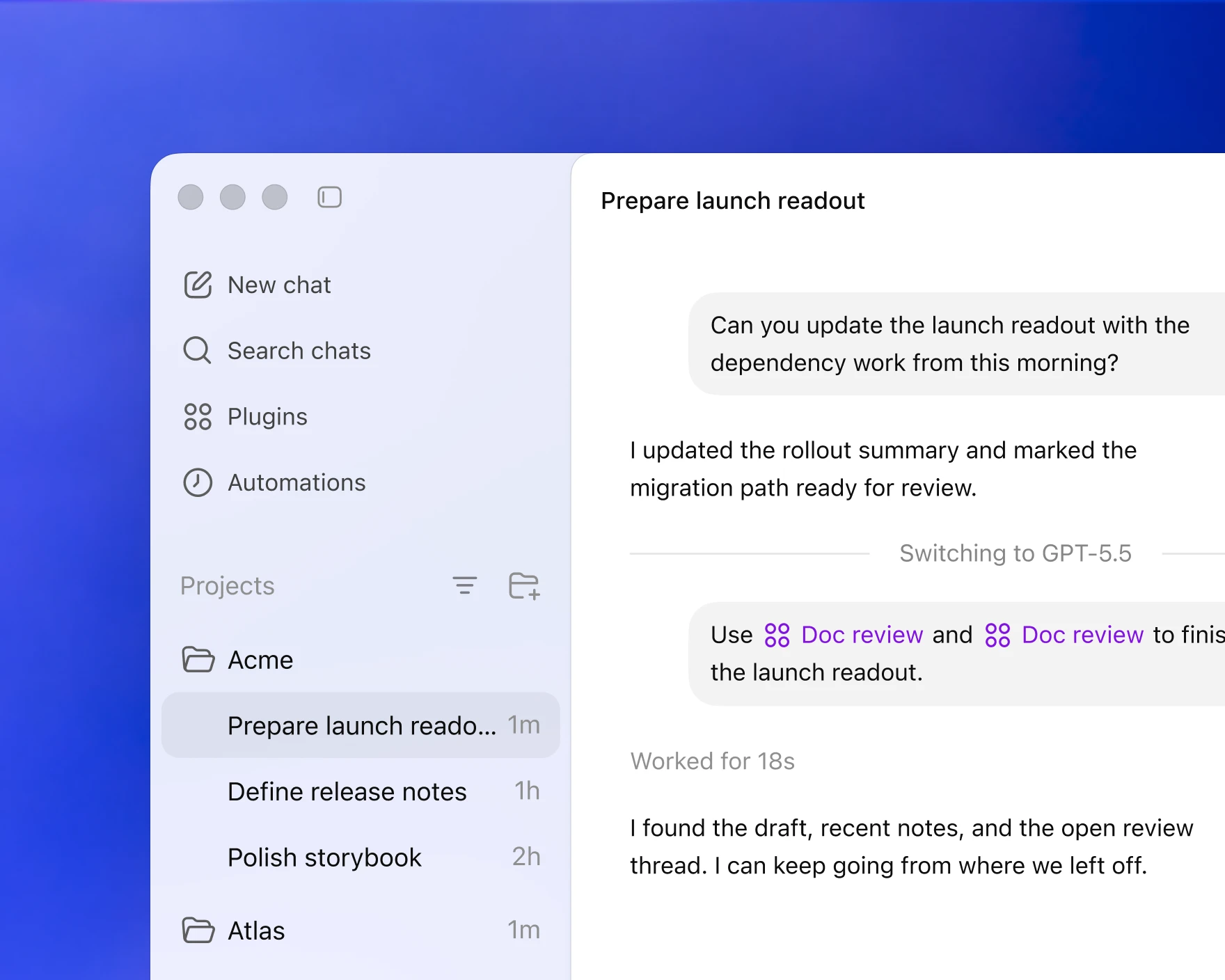
Resume working in Codex Open your project in Codex to pick up where you left off.
Bring over your existing workflow in a few clicks
How it works
Scans for existing config
The Codex app automatically detects existing configuration from other agents.
Creates an import checklist
Displays global and project-level config, skills, plugins, and other settings to copy.
Guides you through the migration
Codex starts a new chat to complete the migration process.
Download and get started with Codex